Using the xTool X1 to Start a New Business
Thank you so much to xTool for sending me their new X1 laser machine! With that being said, all opinions and reviews are my own.
Disclaimer: As an Amazon Influencer, I earn from qualifying purchases. This means that at no additional cost to you, I may earn a small commission if you decide to make a purchase. I also make a commission from clicks via my affiliate links from other companies I partner with as well. However, all opinions are my own. For more information, please feel free to read the affiliate disclosure on our privacy policy page.
For the past 8 years I have been a full time blogger creating fun free printables for kids. This has been such a huge passion of mine and I have been so grateful that I have been able to turn it into a living. However, as much as I love creating printables. I am an artist at heart and have always wanted to create something physical for my audience.
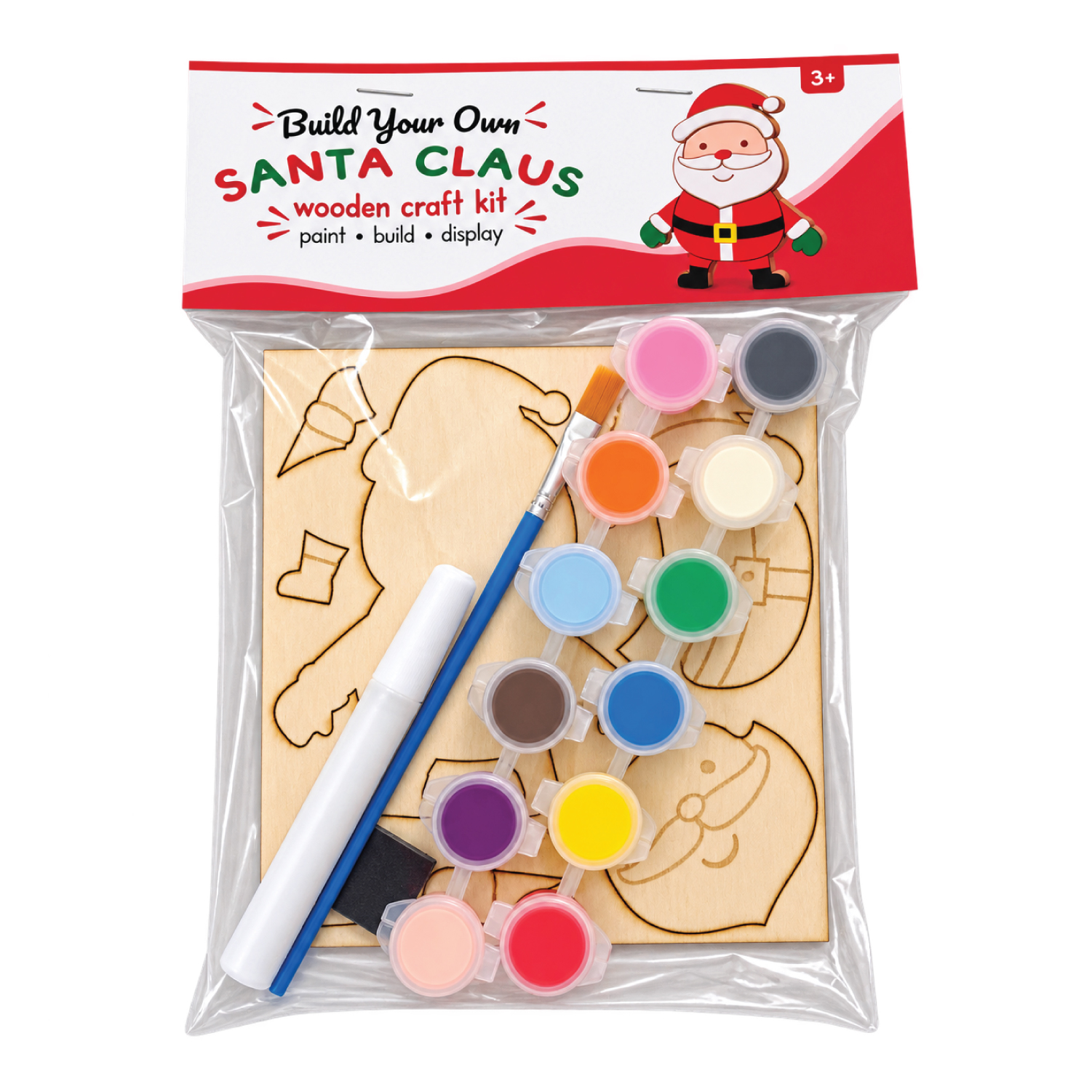
I thought a lot about different products that my current readership would like to see and finally settled on a “build your own” wooden paint kit based on my popular “build your own” printable crafts.
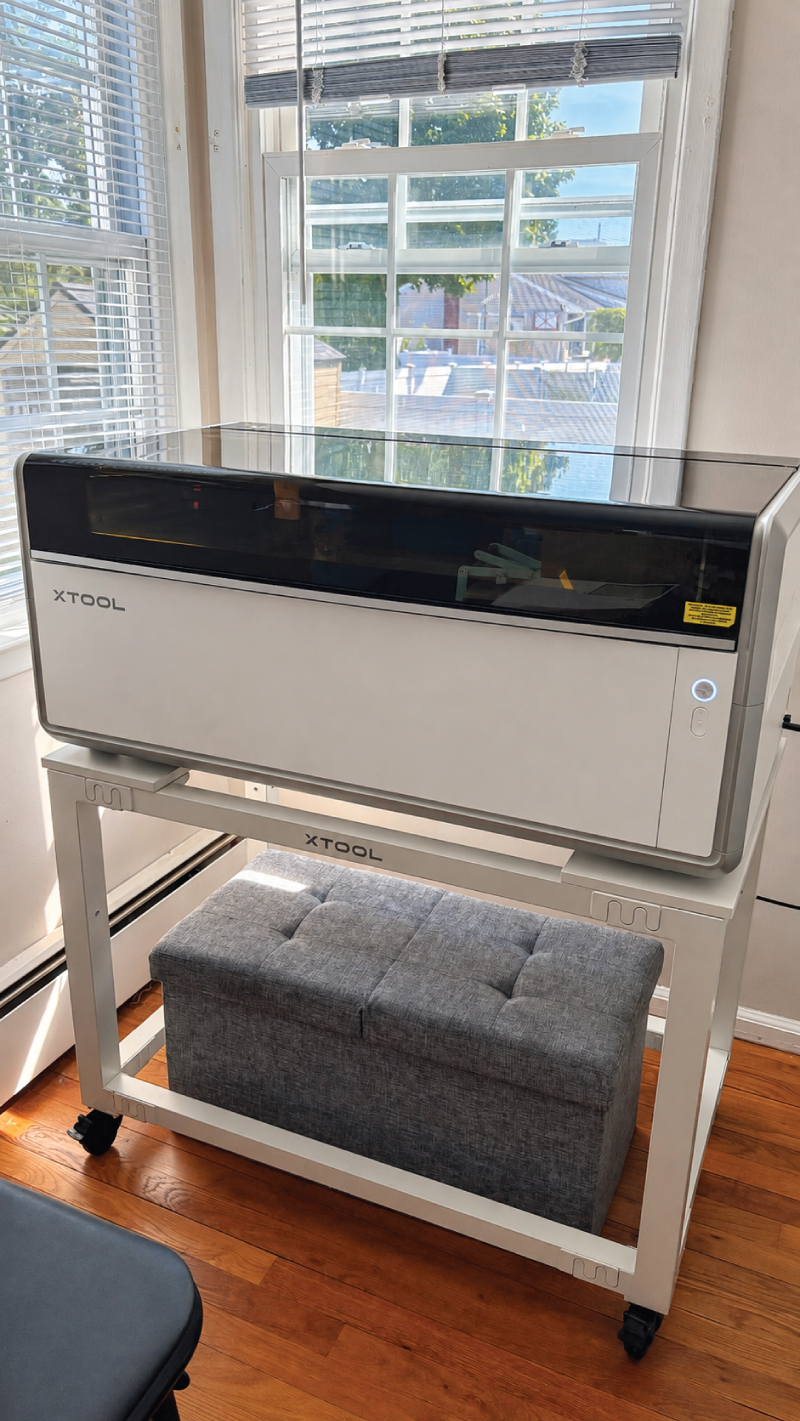
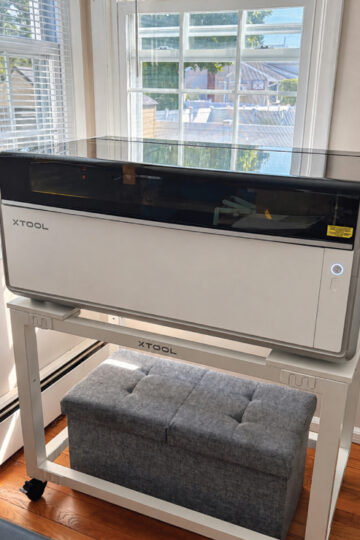
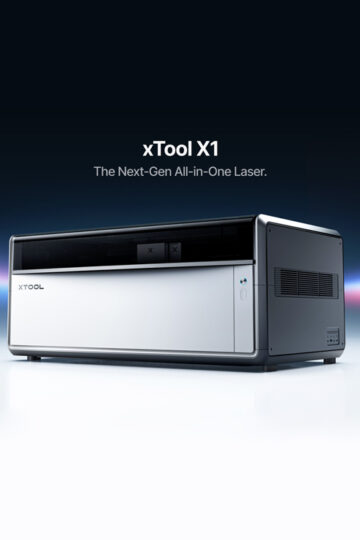
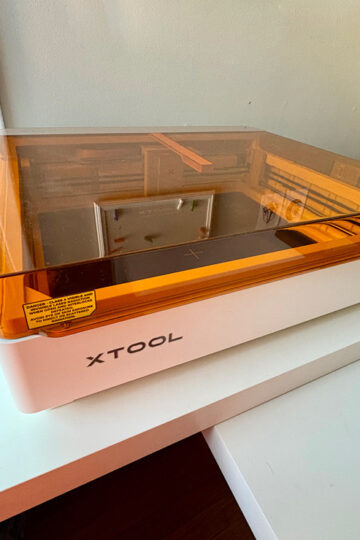
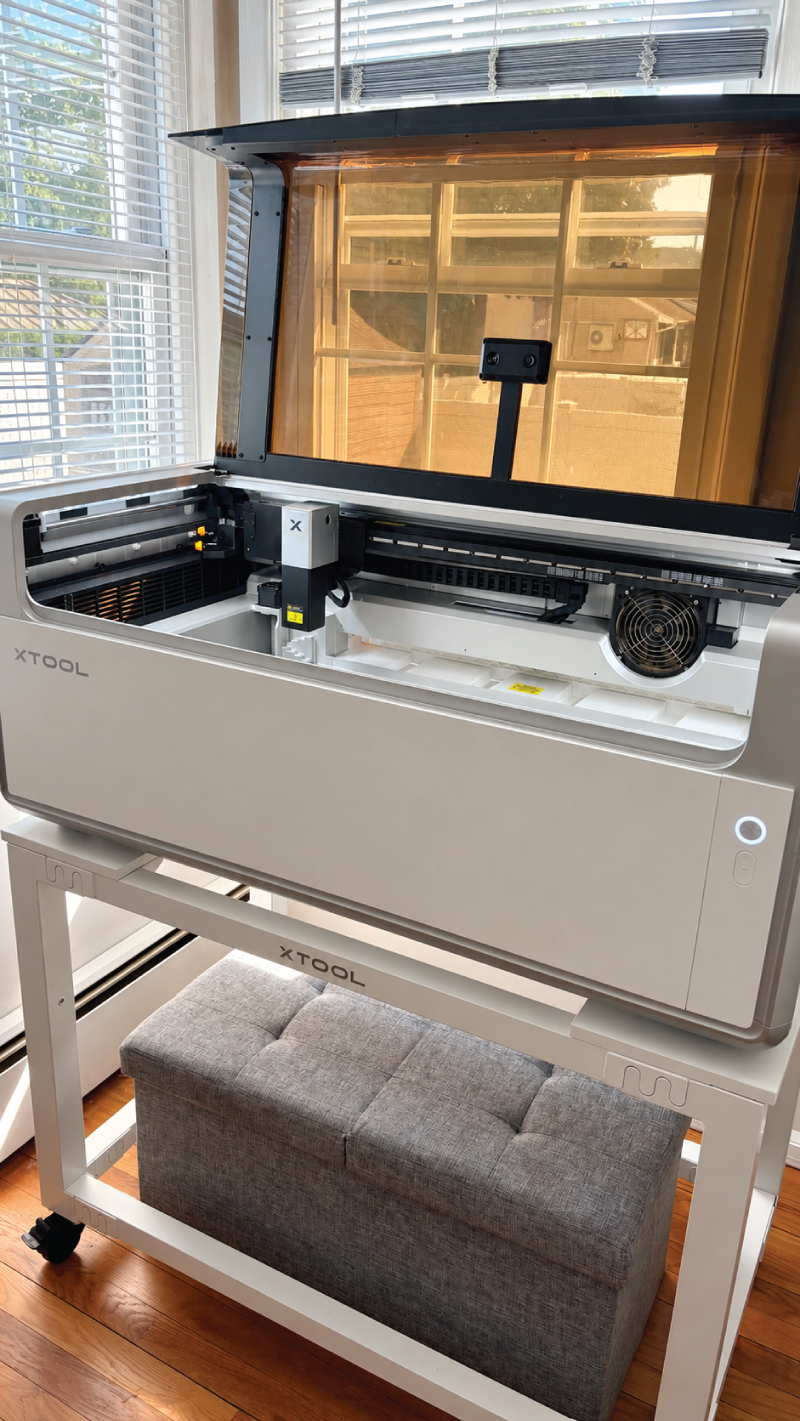
This is where the xTool X1 comes in. For full specifications and information regarding the machine itself, feel free to check out this post or my personal review here.
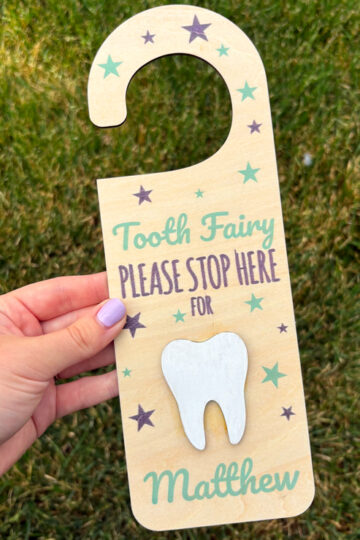
I had already created a TON of these “build your own” style printables and I thought they would translate really well into wooden crafts. After creating my custom files I easily uploaded them into my xTool Studio software. Here, I was able to specify the technical settings to turn my files into wooden shapes that would easily pop out.
I was a bit intimidated at first at figuring out how to make “pop out” features but quickly learned that the xTool X1 was amazing at showing me exactly how things would look, cut and engrave. After tweaking the settings, my files were ready to go. Within just a few short minutes I had engraved and cut out all of the pieces for my craft kit.
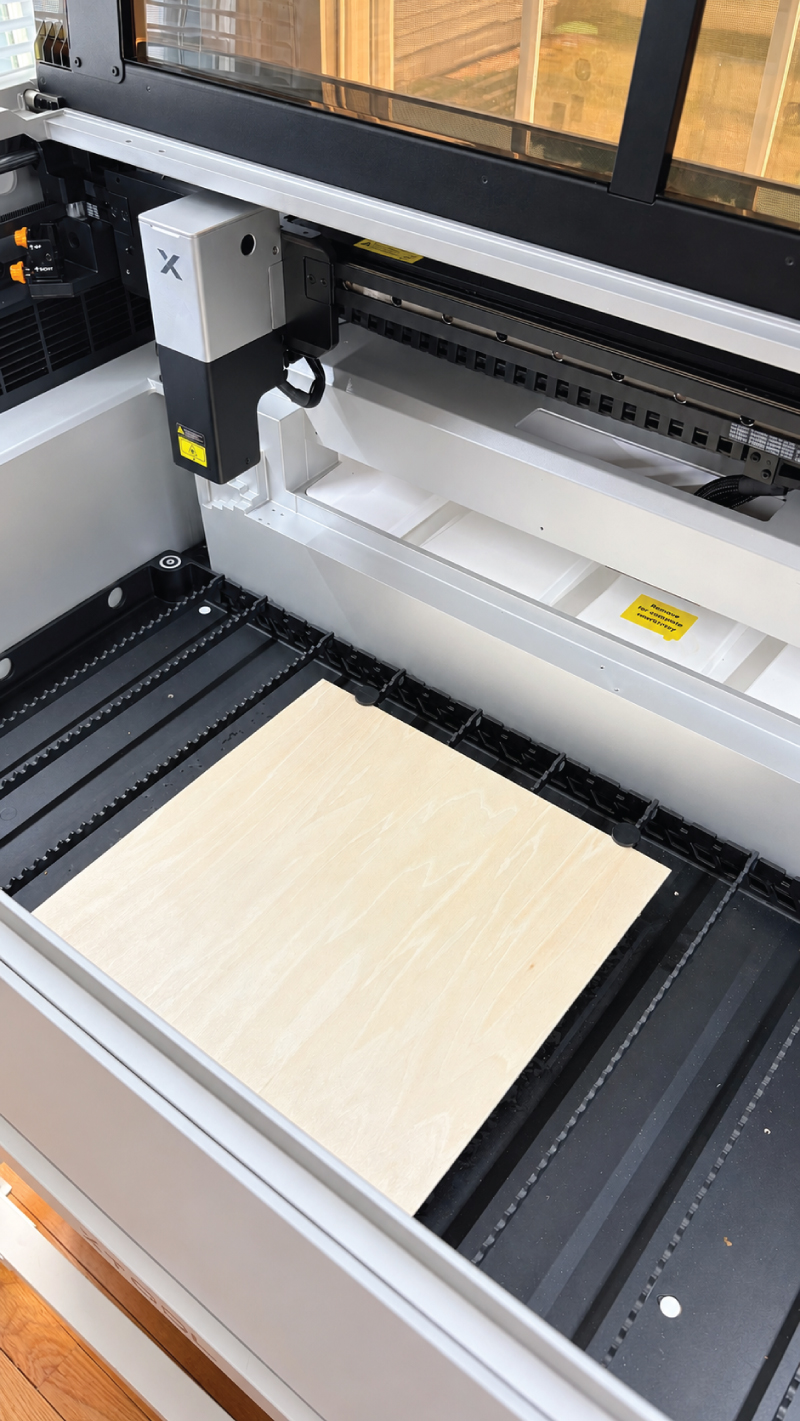
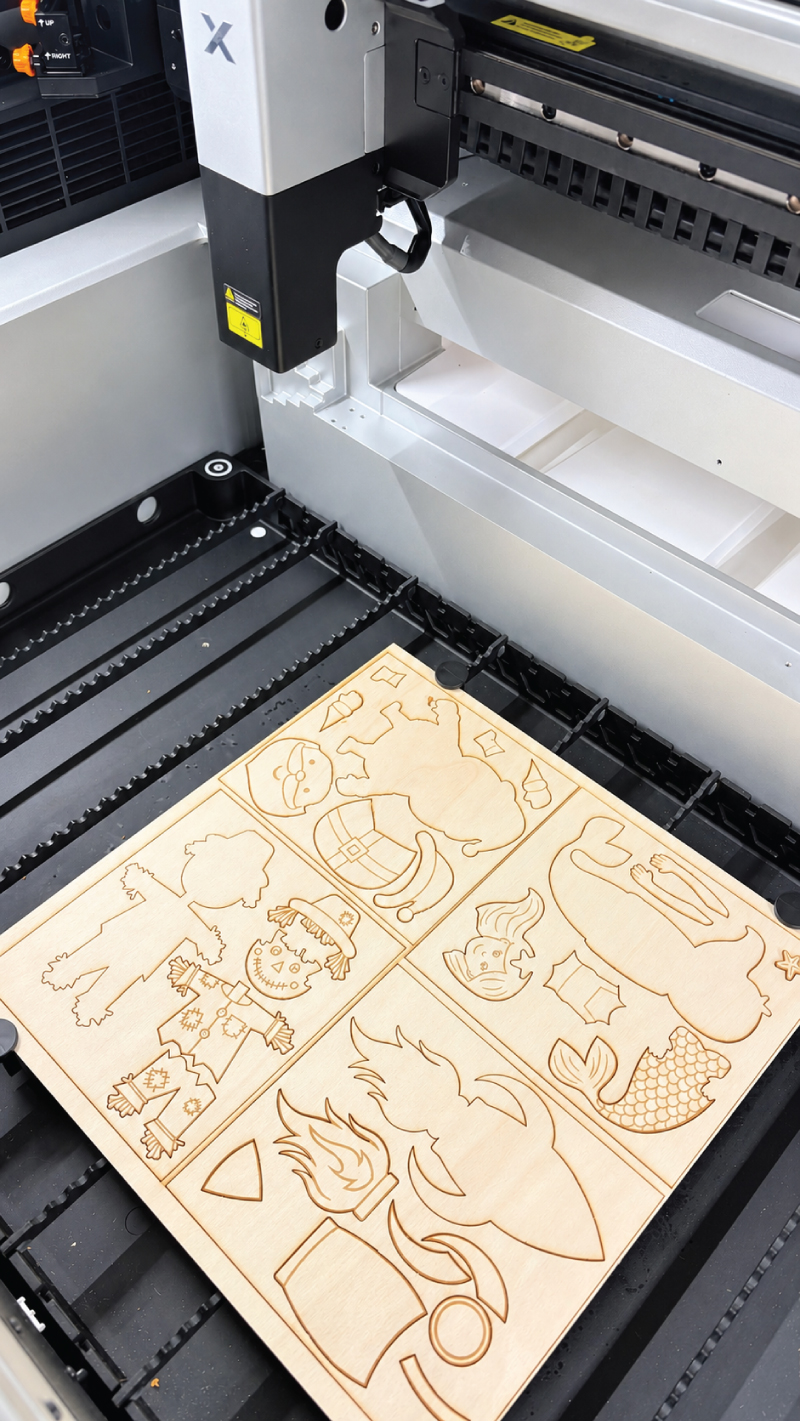
Once the wooden pieces were done, I added paint pots, a paintbrush, glue and a magnet to complete my new kits. Adding a nice bag topper helped bring my vision to a reality. I announced the availability of the craft kits to my current audience and was thrilled with the response. I had successfully turned a dream of mine to create physical products into an actual business.
One thing I absolutely love about the X1 is the accuracy of the camera feature. It allows me to see the inside of the machine in realtime and place my files exactly where they need to go. This especially comes in handy when I have scraps of wood I don’t want to waste.
This project has gotten me so excited to make a whole line of physical products that my audience can enjoy. I know that with the xTool X1, anything is possible and I can’t wait to see what else it can help me create.