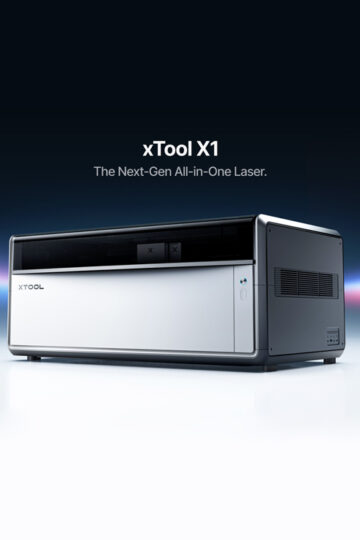
Hobby Crafter’s Review of the xTool X1 Laser Machine
Thank you so much to xTool for graciously sending me the X1 to try out! With that being said, all opinions are my own.
Before I get into my review of the, (spoiler alert, AMAZING xTool X1), I want to invite you to check out the more detailed specs in my previous post here. There, you will find more information regarding the technology and inner workings of the machine.
Disclaimer: As an Amazon Influencer, I earn from qualifying purchases. This means that at no additional cost to you, I may earn a small commission if you decide to make a purchase. I also make a commission from clicks via my affiliate links from other companies I partner with as well. However, all opinions are my own. For more information, please feel free to read the affiliate disclosure on our privacy policy page.
In this review, you will be getting a real life regular person review of the xTool X1. Everything from what I love about it to a glimpse of the ways I am using it in my everyday life as well as my business.
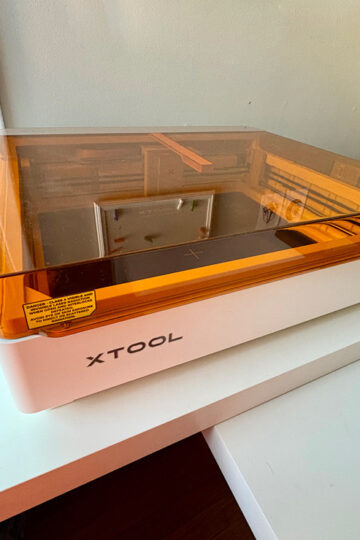
First off, I am not new to the xTool product line. In fact, this is my third machine and I can honestly say is my favorite and most versatile.
Upon receiving the boxes that the X1 came in, I admit I was at first slightly intimidated on setting everything up. To my pleasant surprise, everything was super straightforward and easy to get going. In a short amount of time I was calibrating the machine and then creating my very first project with it.
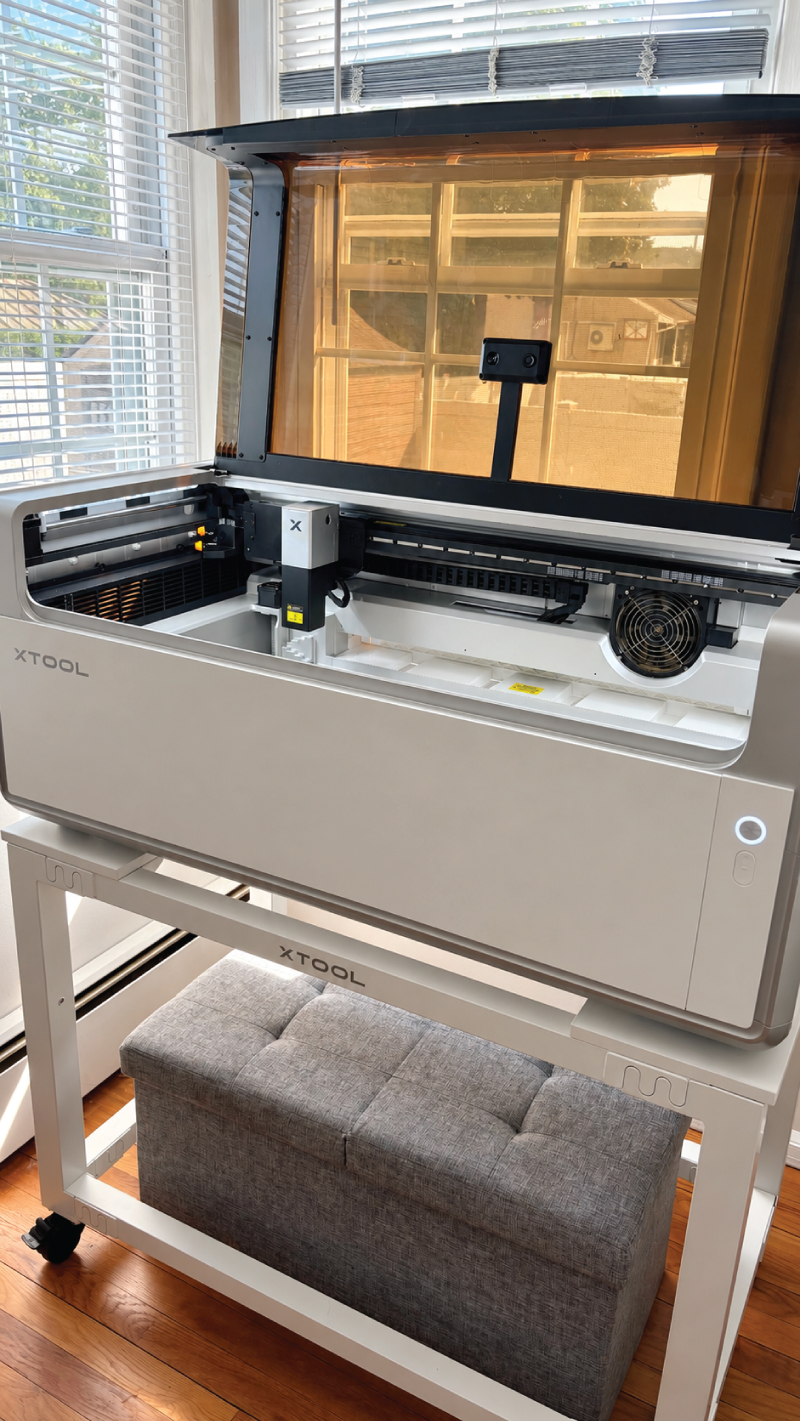
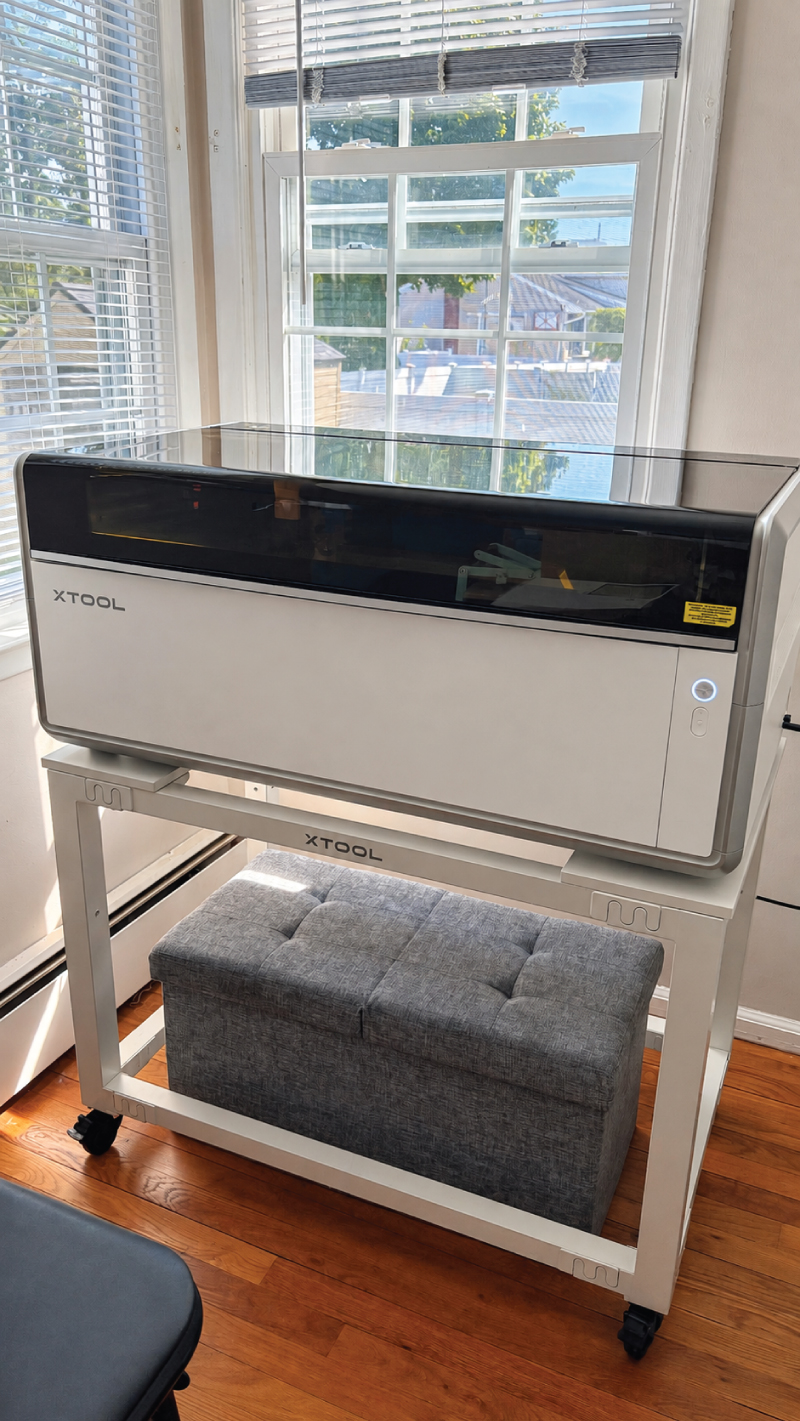
I’m serious when I say this machine is the only laser cutting/engraving machine I will be using from now on. It is larger than my previous machines and can handle a lot more work and get it done a lot quicker.
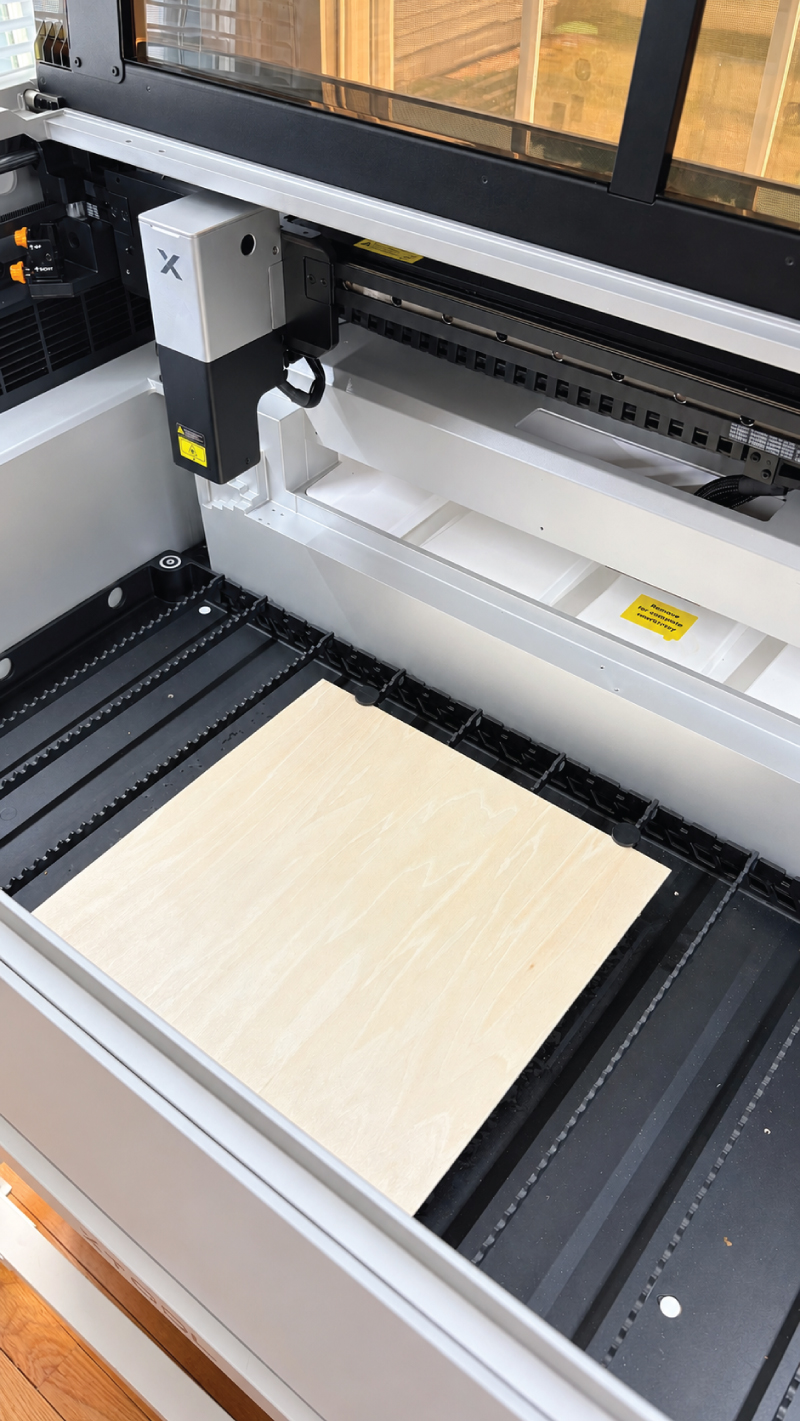
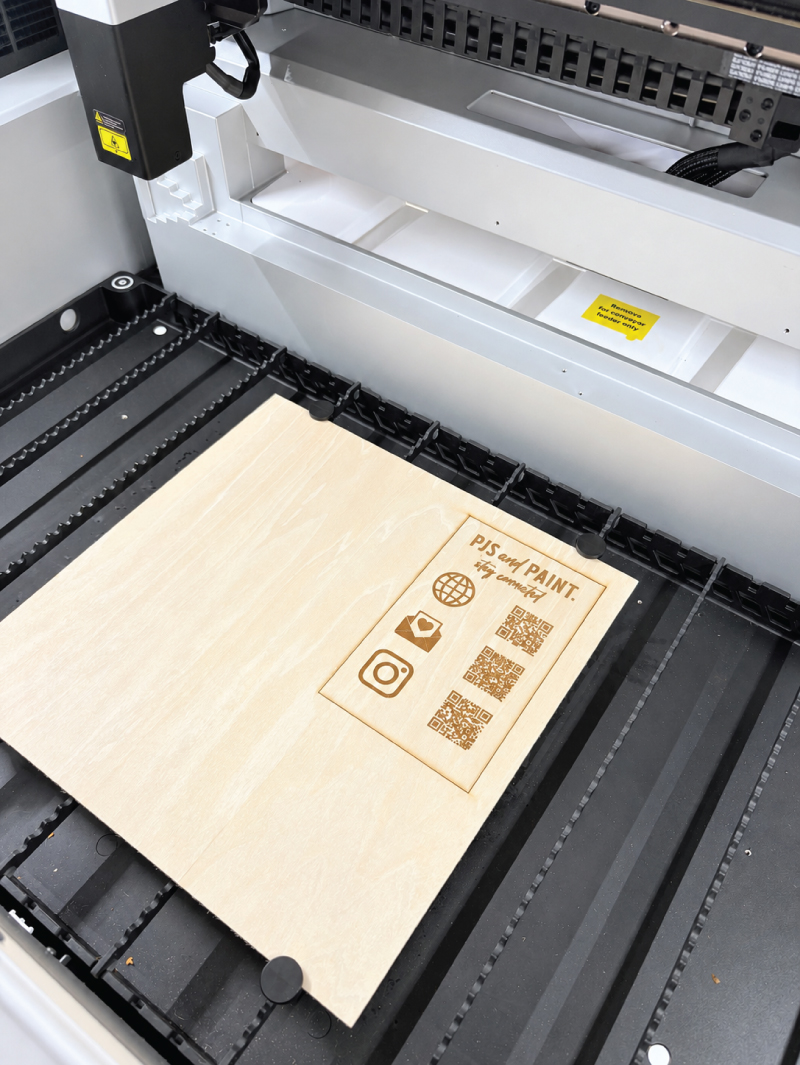
After I had received my xTool X1 I decided that my first project would be to create a QR code sign for my business. I set everything up, secured a nice clean piece of basswood into the base and opened up the xTool design software. Being a graphic designer first and foremost, I decided to create my own SVG files to use.
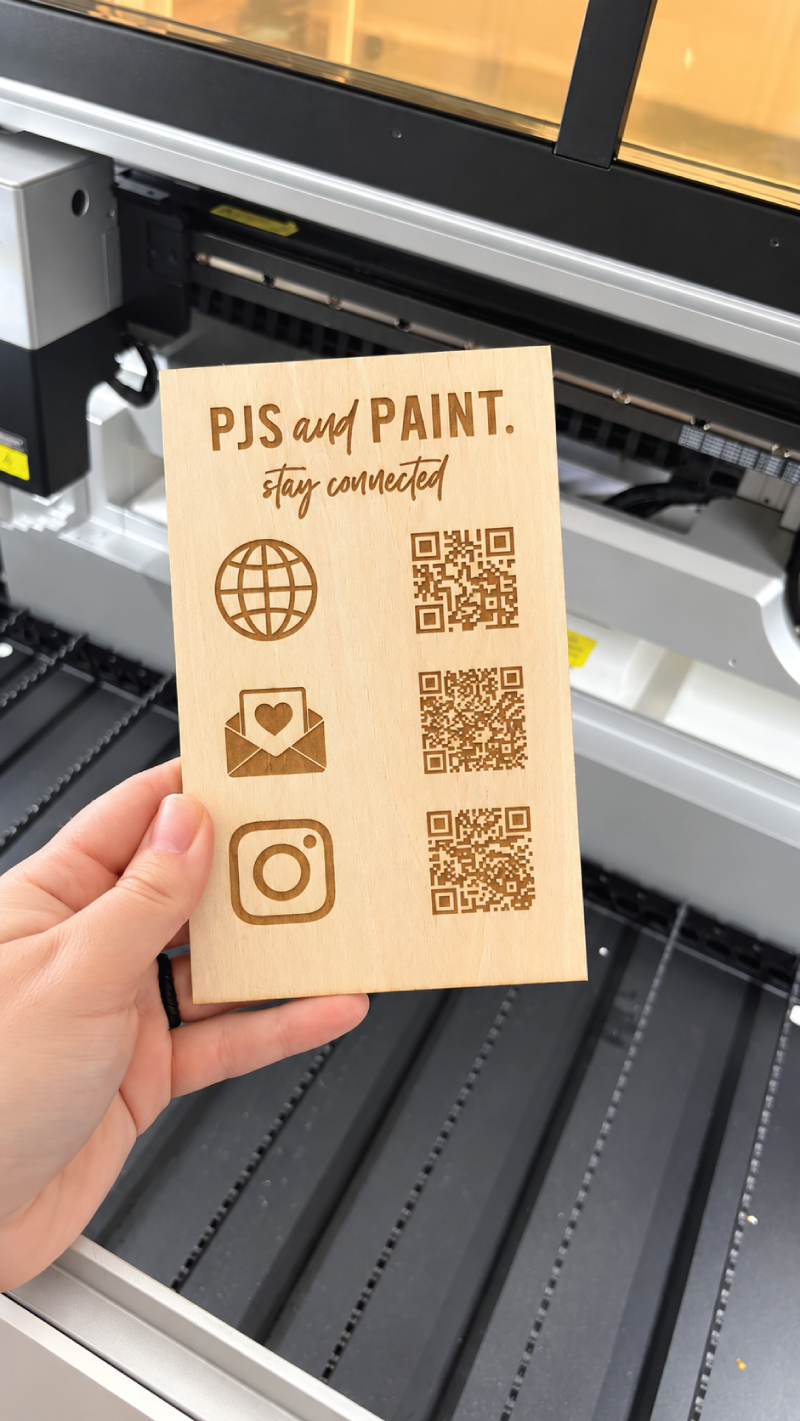
However, I thoroughly browsed through all of the preset designs that the software had to offer and can honestly say anyone can get started using this machine regardless of their background. There are tons of projects ready to just click and go.
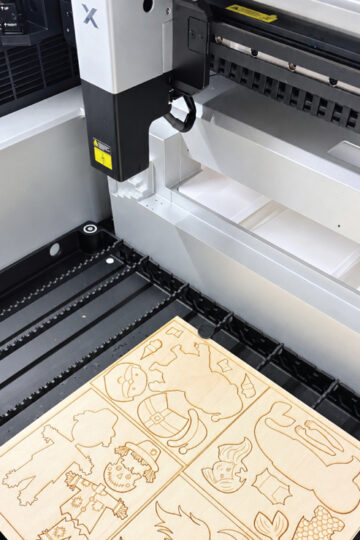
As I was cutting out the QR code sign, I admired some of the upgrades that I noticed. My favorite feature by far is the camera that is inside the machine. It seamlessly transfers to your computer and shows exactly what is going on within the bed. Not only was this great for positioning the designs, but it essentially reduces the waste of material.
All you have to do is move the design around on the screen and place it wherever there is material available. This makes using scraps of wood, acrylic etc. infinitely easier.
Another point I wanted to mention was the ease and automation of choosing the settings for the cuts/engravings etc. While you can absolutely choose whichever combination of settings you’d like, you can also choose from tons of preselected options which makes it super easy to get started with regardless of your experience.
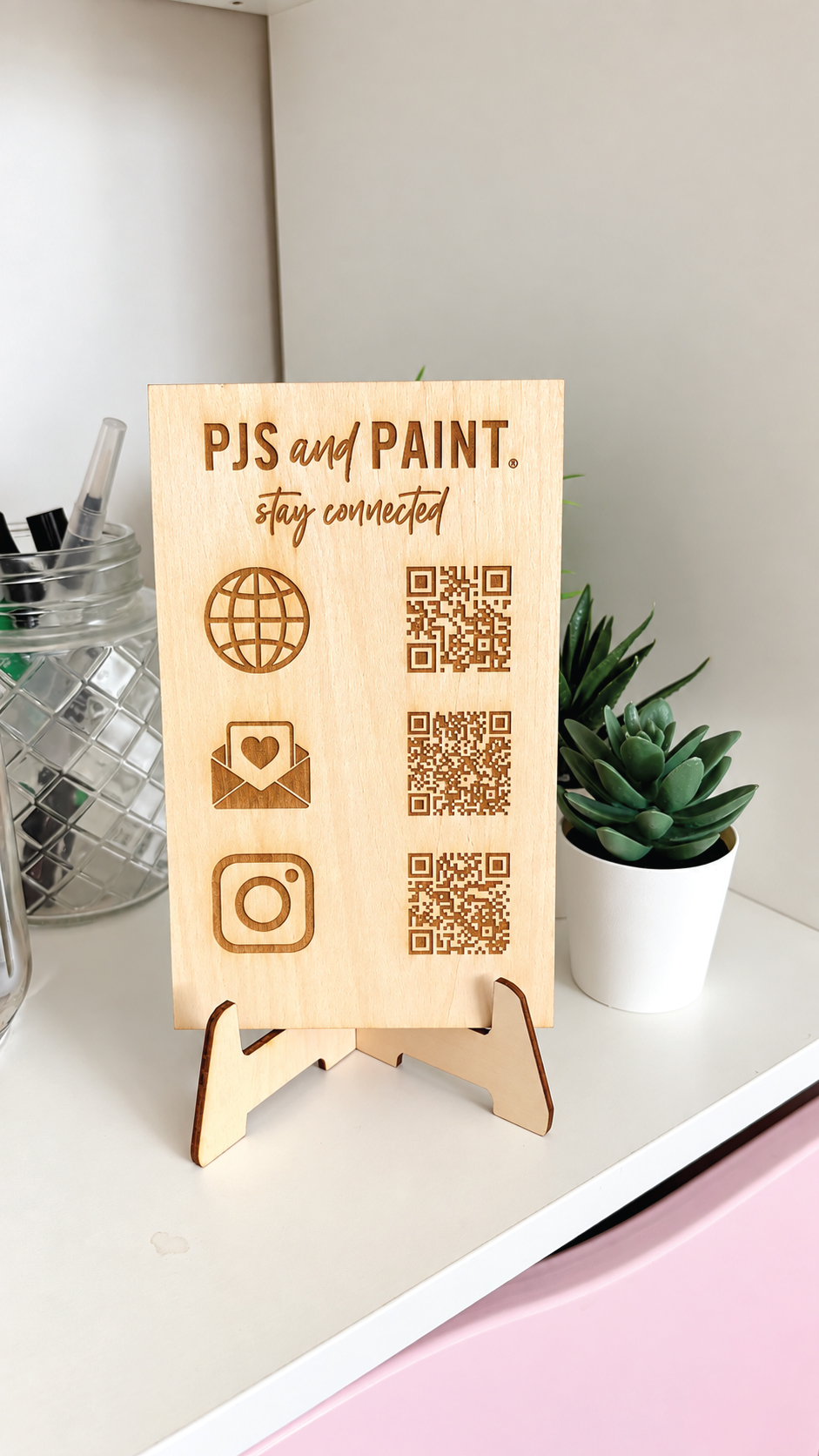
I noticed that the laser engraving and cutting time was significantly faster. I was shocked when I was how detailed of a design I had inserted and how quickly the X1 was able to get the job done. All cuts and engravings were super clean and looked exactly like what I was seeing in the design studio software.
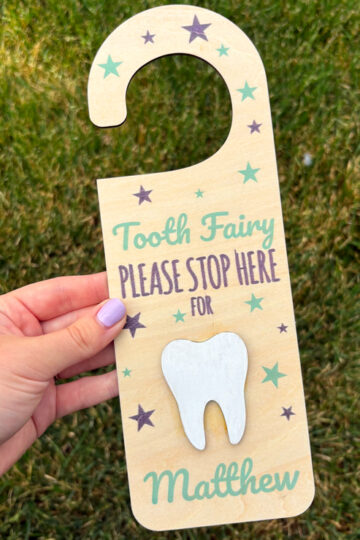
I was so excited to get the hang of using the X1 so quickly that I started coming up with a bunch of new business ideas I wanted to execute. Something about the quality and ease of the machine sparked my creativity and before I knew it I was actually selling products I had made the first few days of having the machine.
The xTool X1 is perfect for both hobby crafters and business owners alike. It is such an advanced and versatile machine that anyone regardless of skill level can get started with and quickly master. I absolutely LOVE my X1 and have so many future plans I’m looking forward to achieving with it.
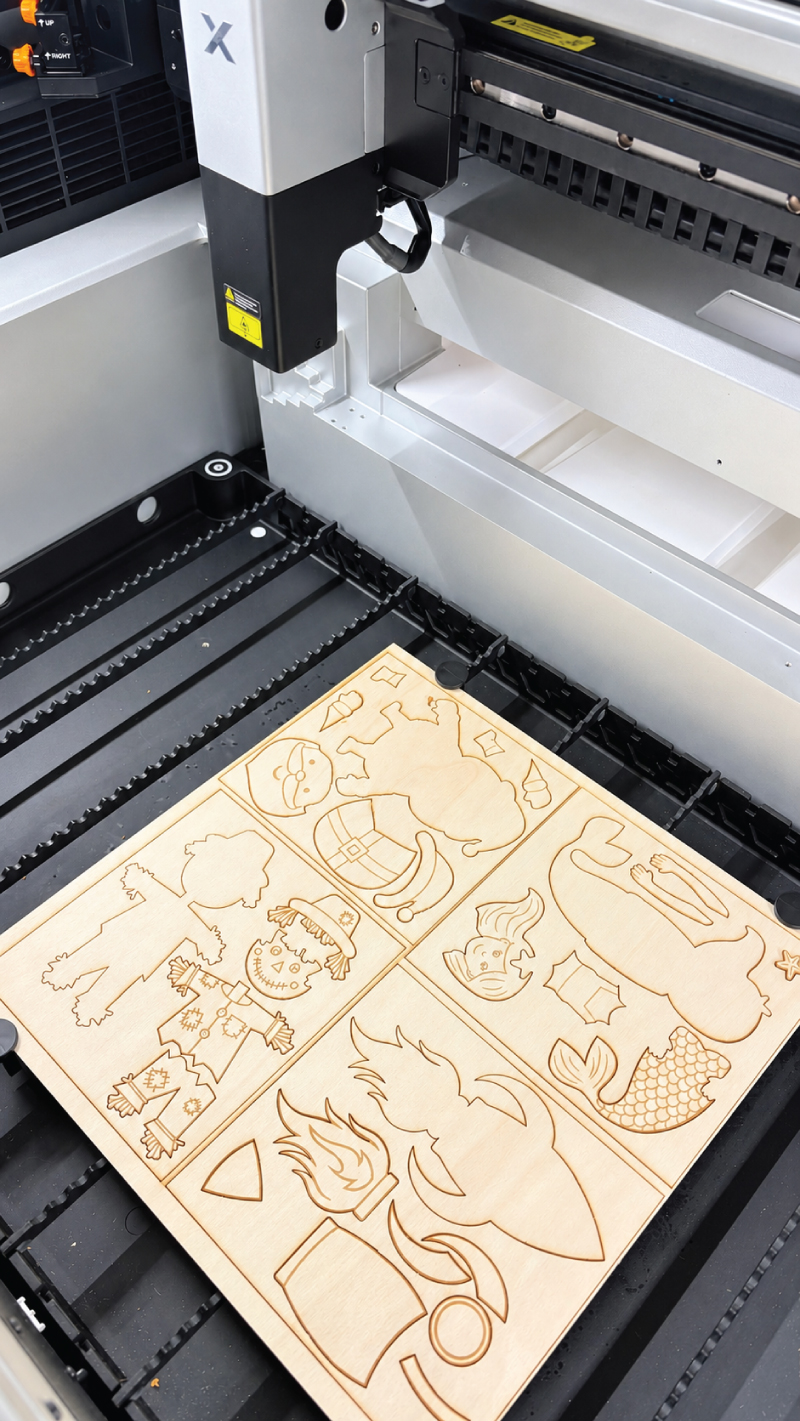
For more on that feel free to check out these two additional posts about the specific projects I have been creating: